How to Setup IPTV on Smart TV in 2026 — The Complete Step-by-Step Guide
From Samsung Tizen to LG webOS, Android TV, and Google TV — the full 2026 walkthrough to install CR7 Player on any Smart TV in under 10 minutes, with no extra hardware required.
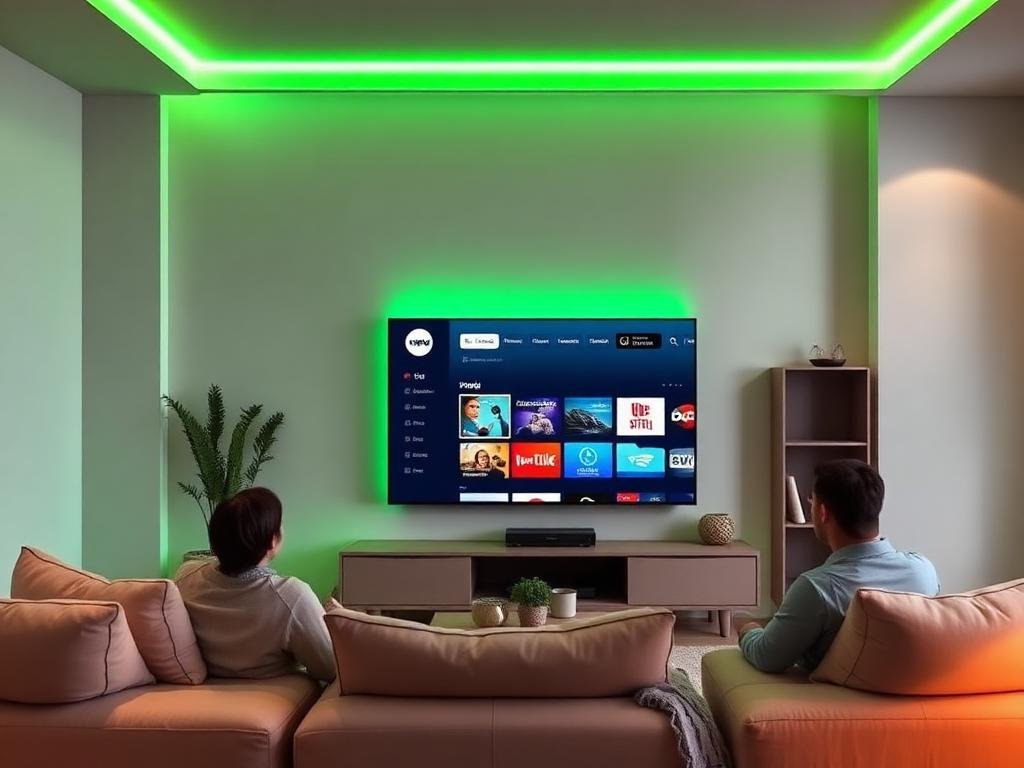
Setting up IPTV on a Smart TV in 2026 is faster than ever — every major platform now ships with a lightweight IPTV player or supports sideloading in just a few clicks. This complete guide covers Samsung Tizen, LG webOS, Android TV, Google TV, and Sony Bravia, so you'll be streaming CR7 Player's 20,000+ channels and 60,000+ on-demand titles in under 10 minutes.
Step 1 — Subscribe and grab your credentials. After completing checkout, you'll receive an email with your Xtream Codes API username, password, and server URL (or an M3U playlist link). Keep this email handy; you'll paste these into the app on your TV.
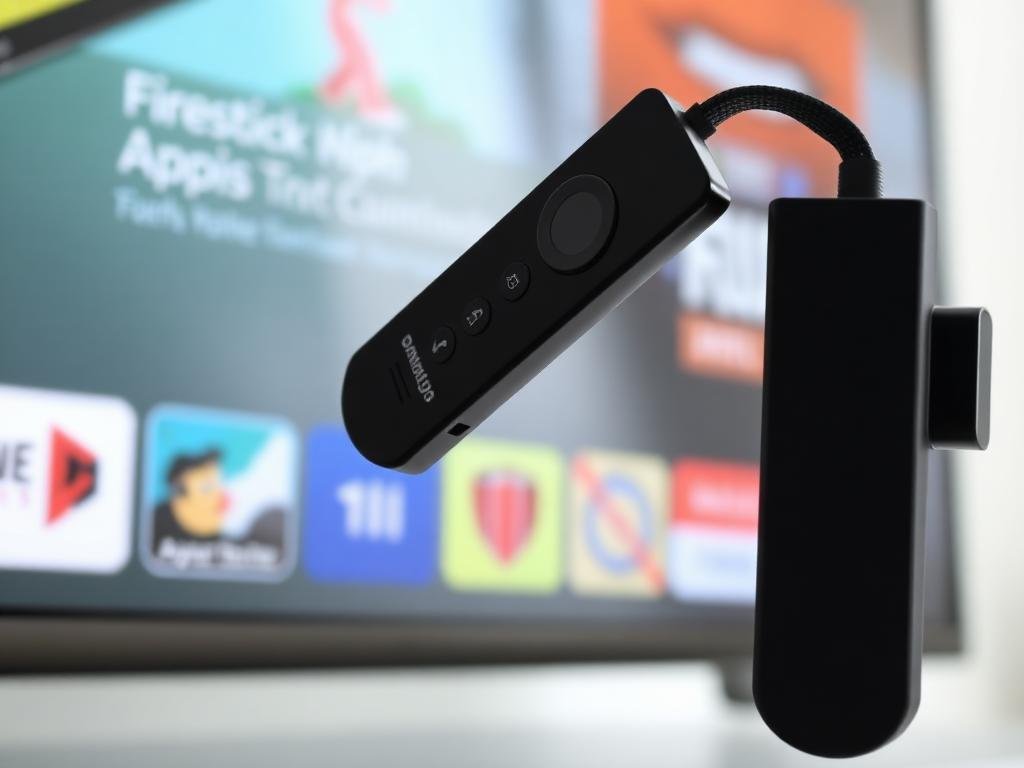
Step 2 — Install the right IPTV player. On Android TV / Google TV (Sony, Hisense, TCL, Philips), search the Play Store for 'IPTV Smarters Pro' or 'CR7 Player' and tap Install. On Samsung Tizen, install 'Smart IPTV' or 'SmartOne IPTV' from the Samsung App Store. On LG webOS, install 'Set IPTV' or 'SmartOne IPTV' from the LG Content Store.
Step 3 — Log in with Xtream Codes. Open the app, choose 'Login with Xtream Codes API', and paste in the username, password, and server URL from your email. Tap Connect — your full lineup of live channels, EPG, sports, movies, and series loads automatically.
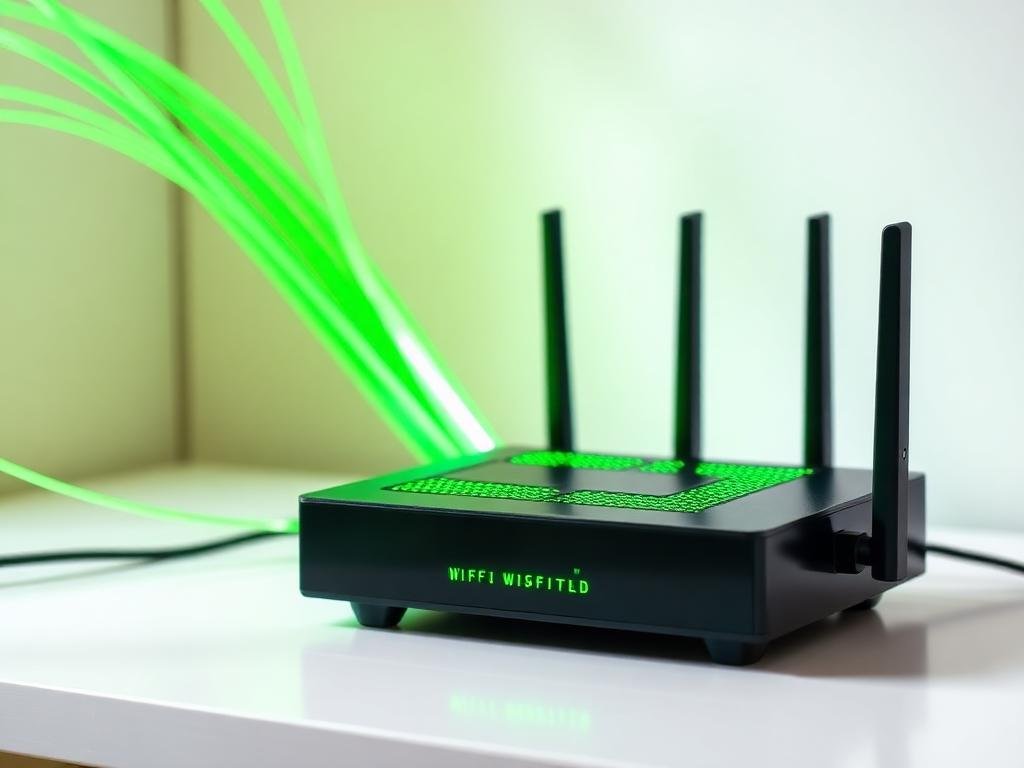
Step 4 — Optimize for 4K. For the smoothest 4K UHD playback on Smart TVs, connect via Ethernet whenever possible, enable HEVC (H.265) hardware decoding in your TV's settings, and disable any 'motion smoothing' features that interfere with live sports.
Troubleshooting tip: if channels load but don't play, restart the app and your router. 95% of Smart TV IPTV issues are solved by a quick reboot — our anti-freeze servers and multi-CDN failover handle the rest automatically.