The Complete CR7 Player Setup Guide for Amazon Firestick (2026 Edition)
Step-by-step sideload installation, recommended Firestick models, performance tweaks, and troubleshooting common errors. Get the full premium experience on the most popular streaming stick in the world.
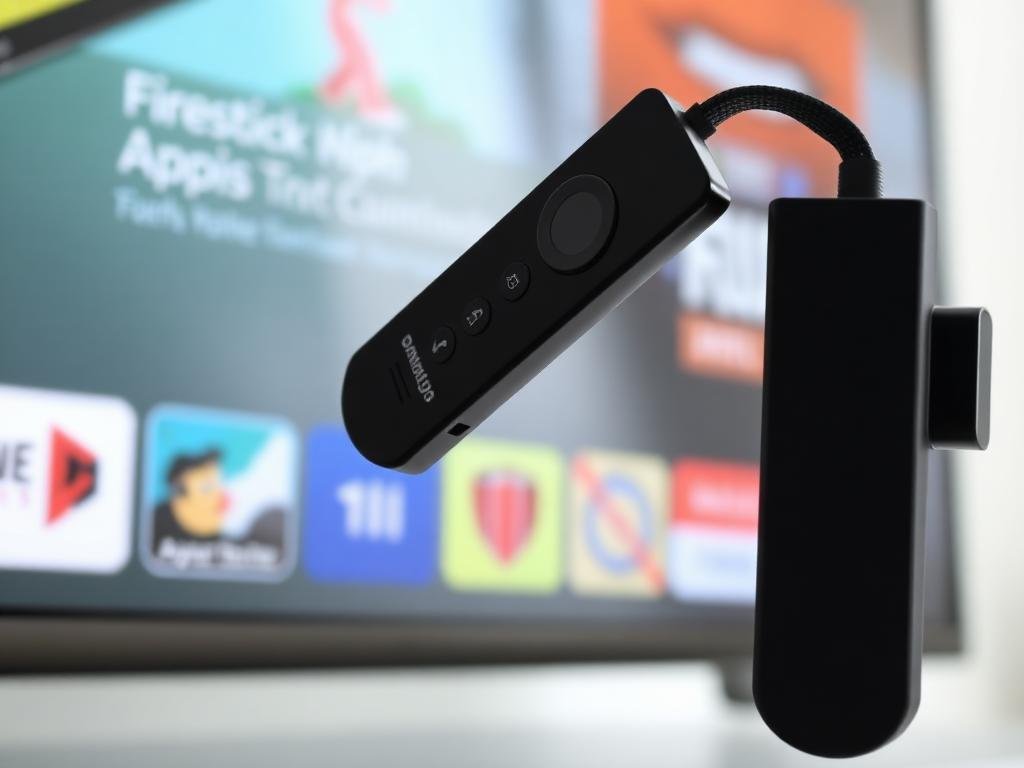
The Amazon Firestick remains the most popular IPTV device in the world, and CR7 Player is fully optimized for every model from the 2nd-gen stick to the brand-new Fire TV Stick 4K Max. This guide walks you through a clean installation in under five minutes.
Start by enabling Developer Options: go to Settings → My Fire TV → About, then click the device name seven times. Return to the previous menu, open Developer Options, and turn on 'Apps from Unknown Sources'. This unlocks sideloading without compromising the security of your other apps.
Install the Downloader app from the Amazon App Store, open it, and enter the CR7 Player download URL provided in your welcome email after subscribing. The APK is around 25 MB and installs in seconds. Launch the app, enter the credentials we emailed you, and you're live.
For best performance, restart your Firestick once a week, keep at least 1 GB of free storage, and disable the auto-playing video previews on the Fire TV home screen — they consume bandwidth that should be feeding your live stream. If you hit any error code, our 24/7 WhatsApp support resolves 95% of issues in under 10 minutes.